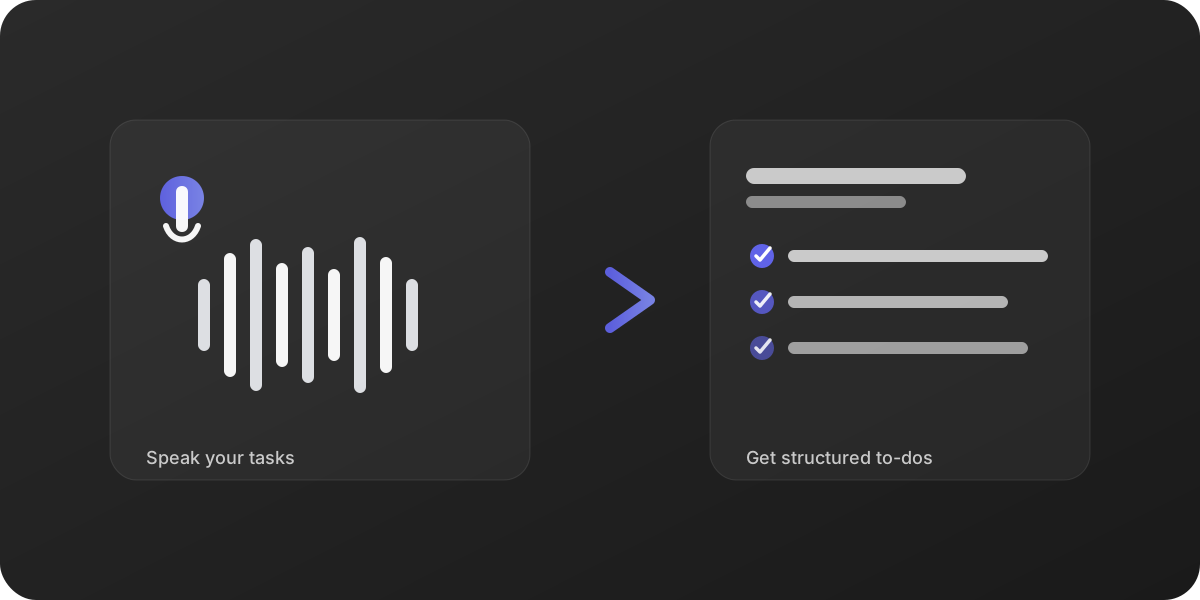
New in TaskMaker 1.2: Image analysis — tasks from photos & screenshots
TaskMaker can now analyze images: local-first OCR, and only if needed (and with consent) an optional OpenAI step—including tasks derived from scene context.
Why image analysis?
Not every to-do lives in an email. Shopping notes, whiteboard photos, screenshots, labels, or even a photo of your desk can contain actionable tasks.
How it works
- On-device first: TaskMaker tries to recognize text in the image using Apple Vision (OCR).
- Optional OpenAI step: If no useful text is found locally, TaskMaker asks (unless you already consented) whether the image may be sent to OpenAI.
- Scene → tasks fallback: If OCR doesn’t yield useful tasks, TaskMaker can derive tasks from the scene context (e.g. “messy desk” → “clean desk”).
Ways to import (iOS & macOS)
- iOS: Take photo (saved to Photos), select file, clipboard, share sheet.
- macOS: From Photos, select file, drag & drop, clipboard.
Data minimization & consent
- Before upload, images are downscaled to a maximum edge length of 2048 px (aspect ratio preserved).
- Sending images to OpenAI requires separate consent (toggle in the privacy dialog).
For details, see the Privacy Policy.